

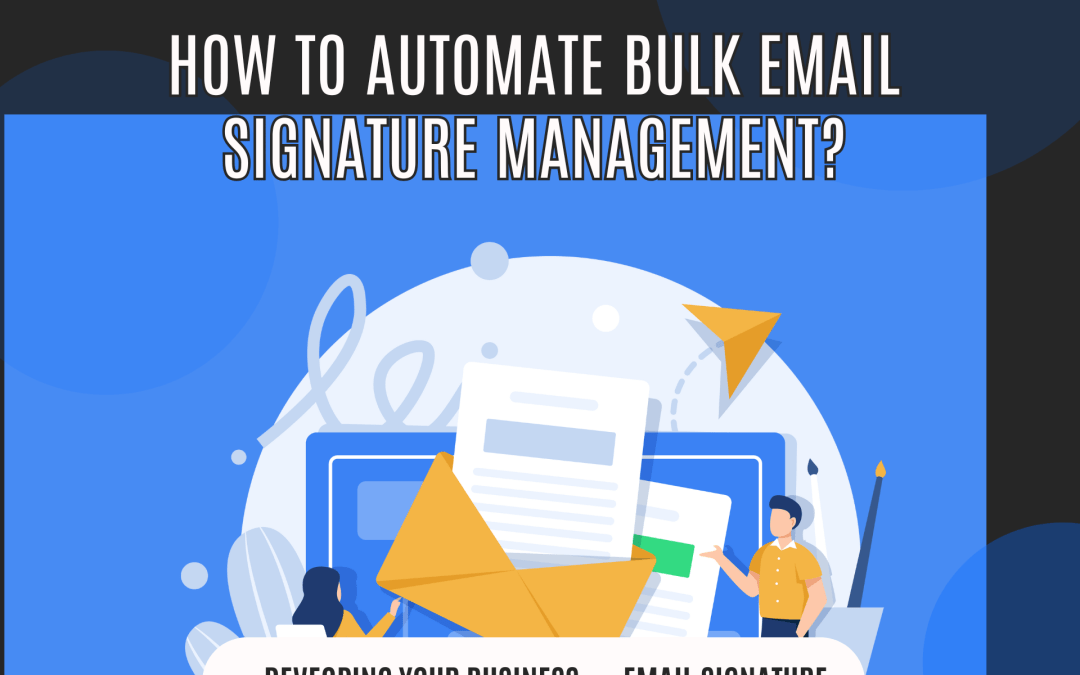
Managing email signatures for a growing staff may quickly become a time-consuming process, especially when you need to keep every communication professional and consistent. But what if there was a method to make this easier so you never had to type in or change signatures by hand again?
The Issue with Managing Signatures by Hand
Your team’s signatures are not the same There is a good likelihood that there will be inconsistencies when each team member inserts their email signature by hand. Some people might forget the corporate logo, some might use old contact information, and some might leave out important legal disclaimers or compliance text. This makes your brand inconsistent, which might hurt how professional your business looks. Time wasted on manual updates It’s a pain to have to edit email signatures by hand every time a new team member joins, someone changes positions, or the branding needs to be changed. It takes up a lot of time, especially when your team is getting bigger. Legal disclaimers or compliance text that were missed In a lot of fields, every email signature has to provide legal disclaimers or specific compliance wording. If you depend on each team member to update and add these, you can miss anything important, which could put your organization at risk.
What if you could set up automatic email signature management?
We at MLeads offer a centralized system that lets your staff set their email signature once and then have it automatically applied every time they send an email. This means you don’t need a separate program to manage signatures, which saves you time and money. What if you didn’t have to keep up with email signatures all the time? What if your staff could focus on the important things, like talking to customers and completing transactions, without having to worry about whether their email signature is up to date? With MLeads, you can easily manage your email signatures in a way that is consistent, professional, and compliant with just a few simple actions.
How MLeads Fixes the Issue
Set Up Signatures Once With MLeads, each team member just needs to set up their signature once by typing in their name, title, department, and contact information. After that, MLeads automatically adds this information to every email sent, so you don’t have to keep updating it by hand. Consistency Among Your Team Once MLeads is set up, it makes sure that all employees use the same signature format. This way, you don’t have to worry about inconsistent branding or missing disclaimers. Centralized management over signatures makes sure that your team’s emails always have the most up-to-date corporate logos, branding, and legal content. Easy updates for compliance and branding MLeads make it easy to adjust your company’s branding or update compliance text or disclaimers. If you change the signature template in one area, the changes will automatically be made to all employees’ signatures. This means you won’t have to worry about missing legal disclaimers or making adjustments by hand anymore. Updates to Signatures in Real Time MLeads makes sure that any changes you make to contact information or branding elements are shown right away on all signatures. This helps your staff stay up to date without any delays.
MLeads’ Now, Drip, and Future Features Add Value
Now you can send emails right away with the right signature. With the Now function, you may write and send emails right away with the right signature. MLeads makes sure that your email signature is always included automatically, whether you’re sending a follow-up email or a brief update. This saves you time and makes sure that every message is the same. Drip Feature: Follow-Ups That Happen Automatically with the Same Signatures The Drip feature in MLeads is great for keeping leads warm over time. You may set up a series of emails to be sent out on a regular basis (weekly, monthly, etc.) without having to bother about sending each one by hand. MLeads will send your emails for you with the right email signature once you’ve written the content. One-Tap Signature: Scheduling Emails for Later Application? Are you making plans? You may use MLeads’ Future function to schedule emails to be delivered later, even months from now, and still make sure the appropriate signature is on them. Just write your email today, choose a date in the future for it to be delivered, and MLeads will make sure it gets sent on time with the most up-to-date signature. You don’t have to do anything. Why MLeads is the Best Way to Manage Email Signatures With MLeads, you can make it easier for everyone on your team to maintain their email signatures without having to use a lot of different applications. It keeps your brand consistent, cuts down on tedious effort, and automatically refreshes signatures so your staff can focus on what matters most: developing your business. Start using MLeads today It shouldn’t be hard to manage email signatures, and with MLeads, it isn’t. Start using MLeads to automate the actions that you do over and over again, make sure you follow the rules, and make your team more productive.