

The Best Digital Business Card App & Card Scanner MLeads
In today’s fast-paced business world, networking is essential. Gone are the days of carrying stacks of paper business cards. With MLeads, you get a free digital business card that helps you connect effortlessly. This digital business card app lets you scan, store, and share contacts seamlessly.
Seamless Business Card Scanning with MLeads
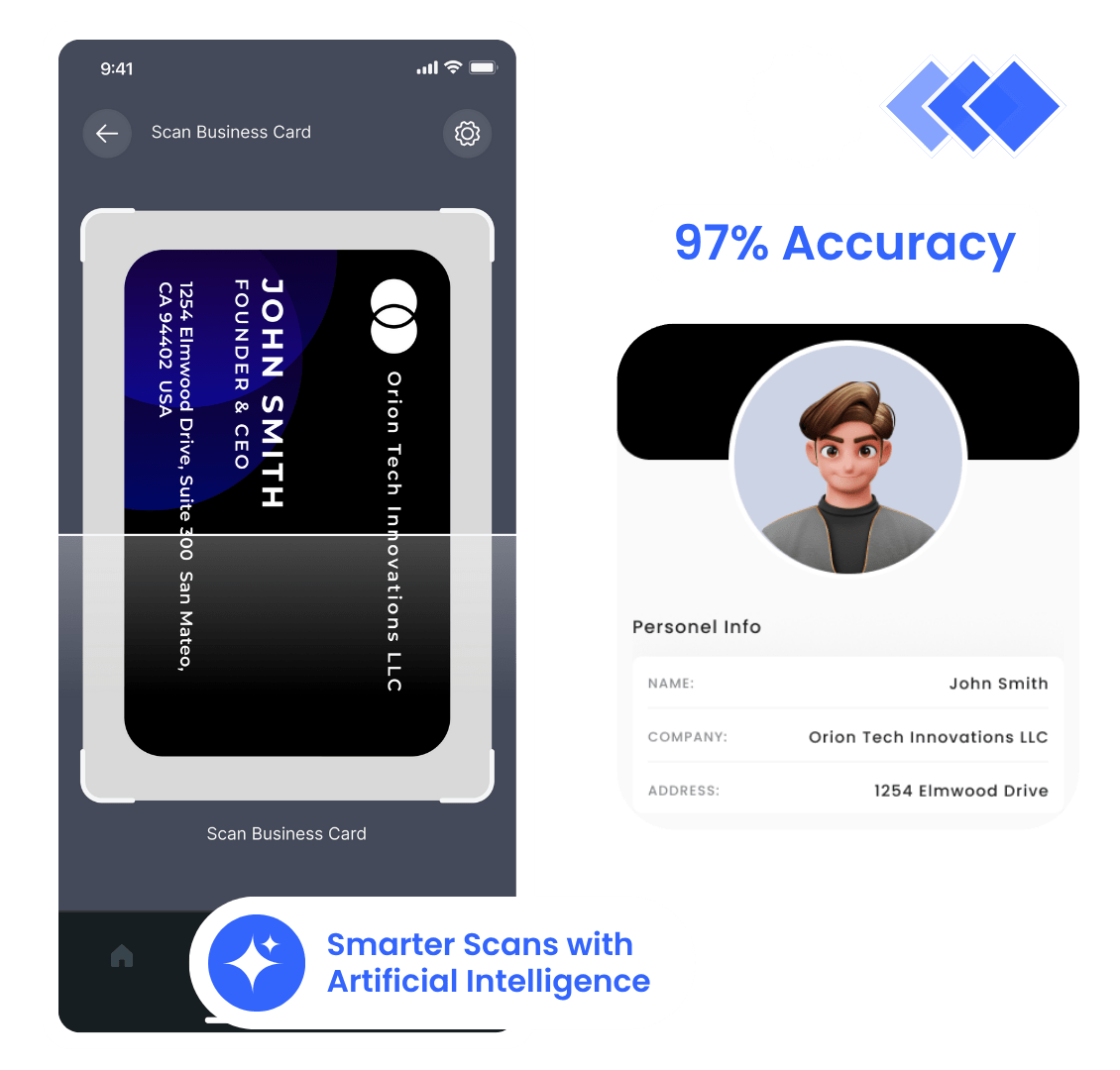
One of the standout features of MLeads is its business card scanner. Instead of manually entering details, simply scan a card and let the app do the rest. This saves time and eliminates errors. Whether you need a card scanner for Android or another device, MLeads ensures a smooth experience.
Precision at Its Best
Artificial Intelligence ensures high accuracy in data extraction and processing.
Lightning-Fast Scanning
mLeads scans and digitizes business cards in just 2 seconds—fast and efficient!
Data Privacy Guaranteed
mLeads is fully GDPR-compliant, ensuring your data stays secure and protected.
Seamless Integrations
mLeads connects effortlessly with Contacts, Excel, Salesforce, and Zapier for a smooth workflow.
How to Scan a Business Card with MLeads
Scanning a business card with MLeads is a simple and efficient process. The app is designed to extract contact details accurately and save them in an organized manner. Follow these steps to digitize your business cards effortlessly:
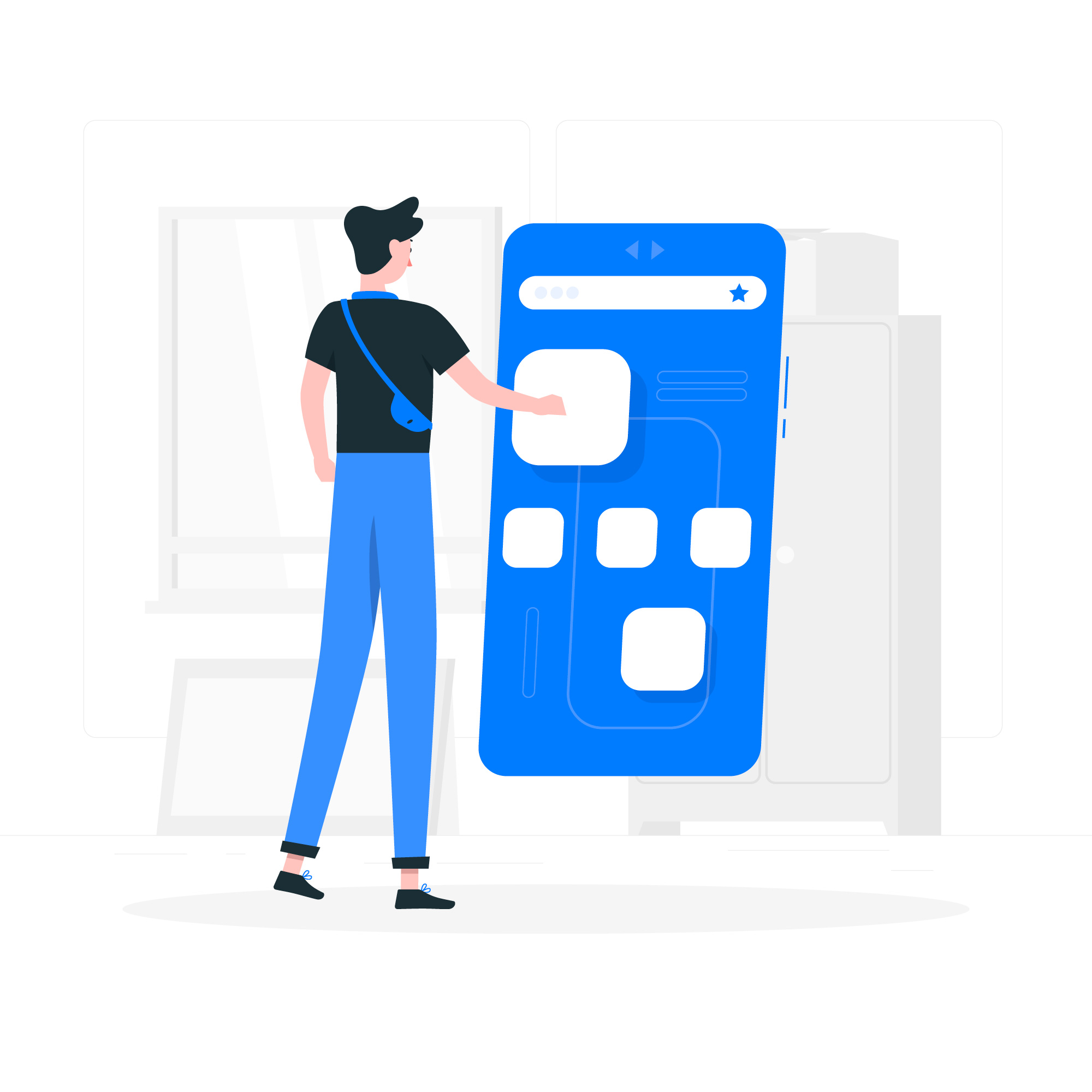
Open the App
Launch the business card app on your smartphone or tablet.
Use the Card Scanner
Tap on the card reader for business feature in the app’s menu.
Capture the Card
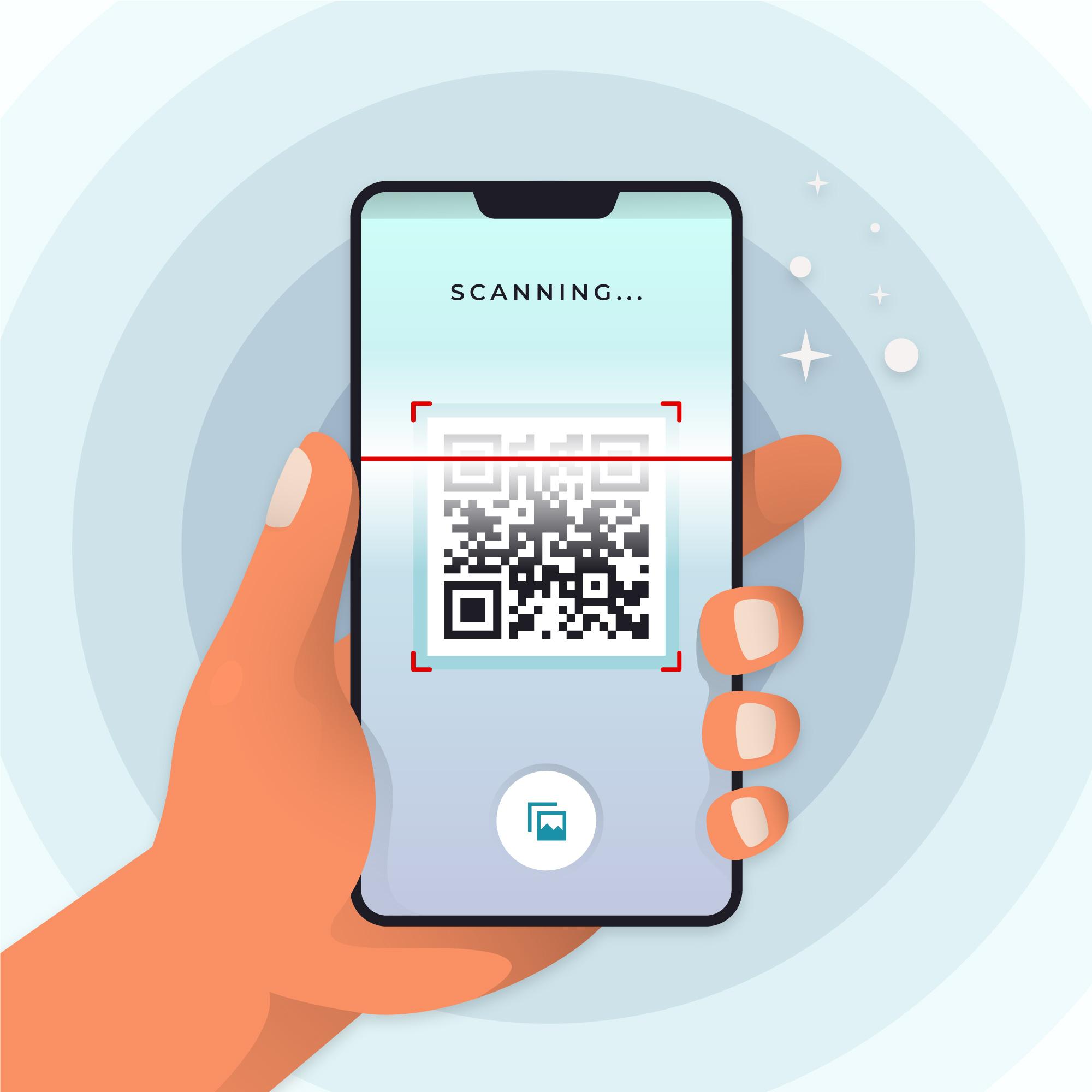
Position the business card within the scanning frame. Ensure good lighting for optimal clarity.
Automatic Data Extraction
MLeads uses advanced OCR (Optical Character Recognition) technology to extract essential details such as name, phone number, email, and company name.

Review and Edit
Verify the extracted information and make any necessary corrections before saving.
Save and Organize
Store the contact information in your digital directory for easy access.

Share Easily
Instantly send your free digital business card to new contacts via email or messaging
MLeads Business Card Scanner FAQs
Resources
Resources & Articles For Managing Your Finances On Your Own
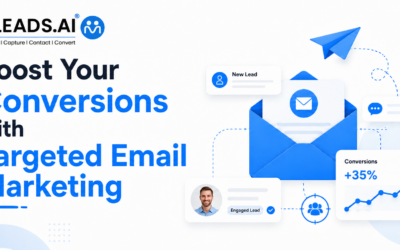
Boost Your Conversions with Targeted Email Marketing in 2026
MLeads · Lead Capture & Follow-Up Turn every lead into a real conversation Capture, segment, and follow up with leads automatically — before interest goes cold. Visit Website Book a Demo Boost Your Conversions with Targeted Email Marketing in 2026 A lead does not...
Mobile Sales Management: How to Close Deals from Anywhere
Field Sales / Mobile Selling How to Close Deals from Anywhere Deals are won and lost in the small moments between meetings — not back at the desk. Here's how mobile-first sales teams capture, qualify, and follow up before the opportunity cools. Visit SiteBook a Demo...
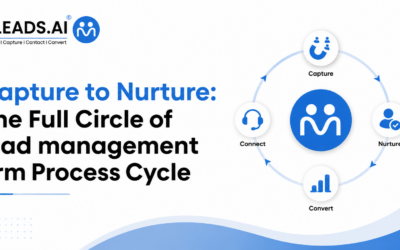
Capture to Nurture: The Full Circle of lead management crm Process Cycle
Stop losing leads in the gap See how MLeads captures, organizes, and nurtures every lead automatically Visit Website Book a Free Demo Capture to Nurture: The Full Circle of the Lead Management CRM Process Every growing business knows the feeling. A sales rep meets a...
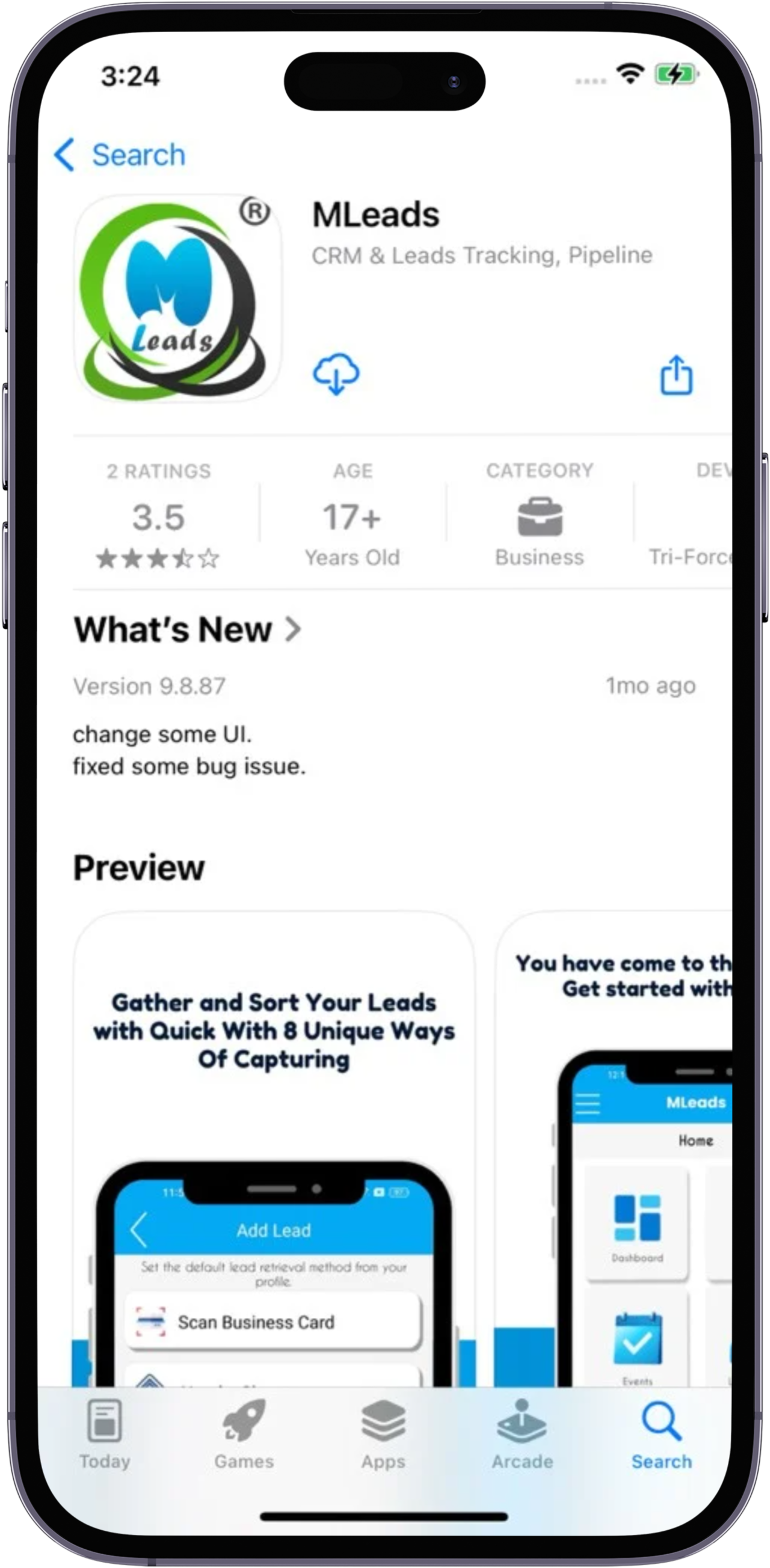
Download MLeads
Stay ahead with our business card scanner—instantly capture lead information via OCR, QR codes, NFC, or manual entry. Digitize contacts, sync with CRM, and streamline networking effortlessly. Scan, save, and stay connected—anytime, anywhere!