

Network Smarter, Not Harder
Ditch the paper. Build your digital card in 5 minutes — for free.
The Ultimate Guide to Free Digital Business Card Apps
Network smarter in the digital age — without spending a dollar.
With virtual meetings, no-touch encounters, and working from home now the norm, the old custom of handing out paper business cards is undergoing a huge transformation. We’ve all been there: you attend a networking event, pick up a fistful of nicely printed cardboard squares, stuff them in your bag, and forget about them until weeks later they surface at the bottom of a drawer. By then, the context of the conversation is gone — or worse, the contact info is already out of date.
The digital business card fills the gap between old-school networking and modern efficiency. But as small business owners and freelancers look to step up their game, one key question remains: are there genuinely free digital business card apps, or do you need an expensive monthly plan just to publish your contact info?
The short answer is yes, yes, and yes. There are powerful, slick, completely free tools that let you design, share, and monitor your professional information seamlessly. In this guide, we’ll explore how they work, why they beat physical paper, and how to pick the ideal tool to boost your professional brand.
What Exactly Is a Digital Business Card?
A digital business card (also called a virtual or electronic business card) is the modern substitute for the old paper card. Your professional information lives in a digital format that can be transferred instantly via a smartphone, tablet, or computer.
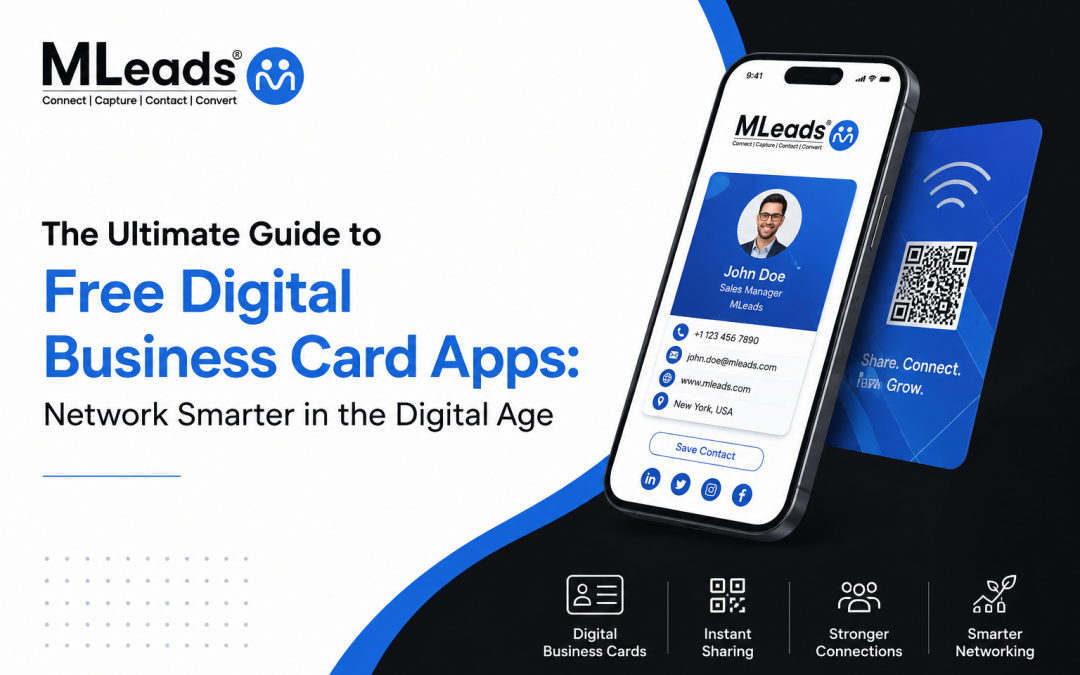
Think of it as a mini-website — dynamic, interactive, and completely dedicated to your professional identity. Traditional cards hold a limited amount of data; a virtual card can carry rich media and interactive links:
- 🔗 Direct links to your social profiles (LinkedIn, Twitter, Instagram)
- 🎬 Embedded video intros or company showreels
- 📁 Downloadable portfolios, resumes, or product catalogs
- 📅 One-tap booking with Calendar or Calendly
- 💳 Payment links (PayPal, Venmo, Stripe) for fast payments
- 📇 An instant “Add to Contacts” button
But the real magic is in sharing. You don’t have to give anyone anything tangible. Generate a unique QR code on your phone screen, send a personalized link via text or email, AirDrop it, or drop it into your email signature and Zoom background.
Are There Free Apps for Digital Business Cards?
Many people worry that the most useful features hide behind pricey paywalls. Fortunately, the competitive software market has pushed top developers to offer robust free tiers. A free plan isn’t just a limited trial — it’s a fully featured tier built to meet the demands of individual networkers, freelancers, and small business owners.
What features do you get with a free plan?
While premium tiers cater to enterprise teams needing corporate branding, bulk employee management, and deep CRM integrations, a high-quality free app generally includes:
Best Free Digital Business Card Apps to Check Out
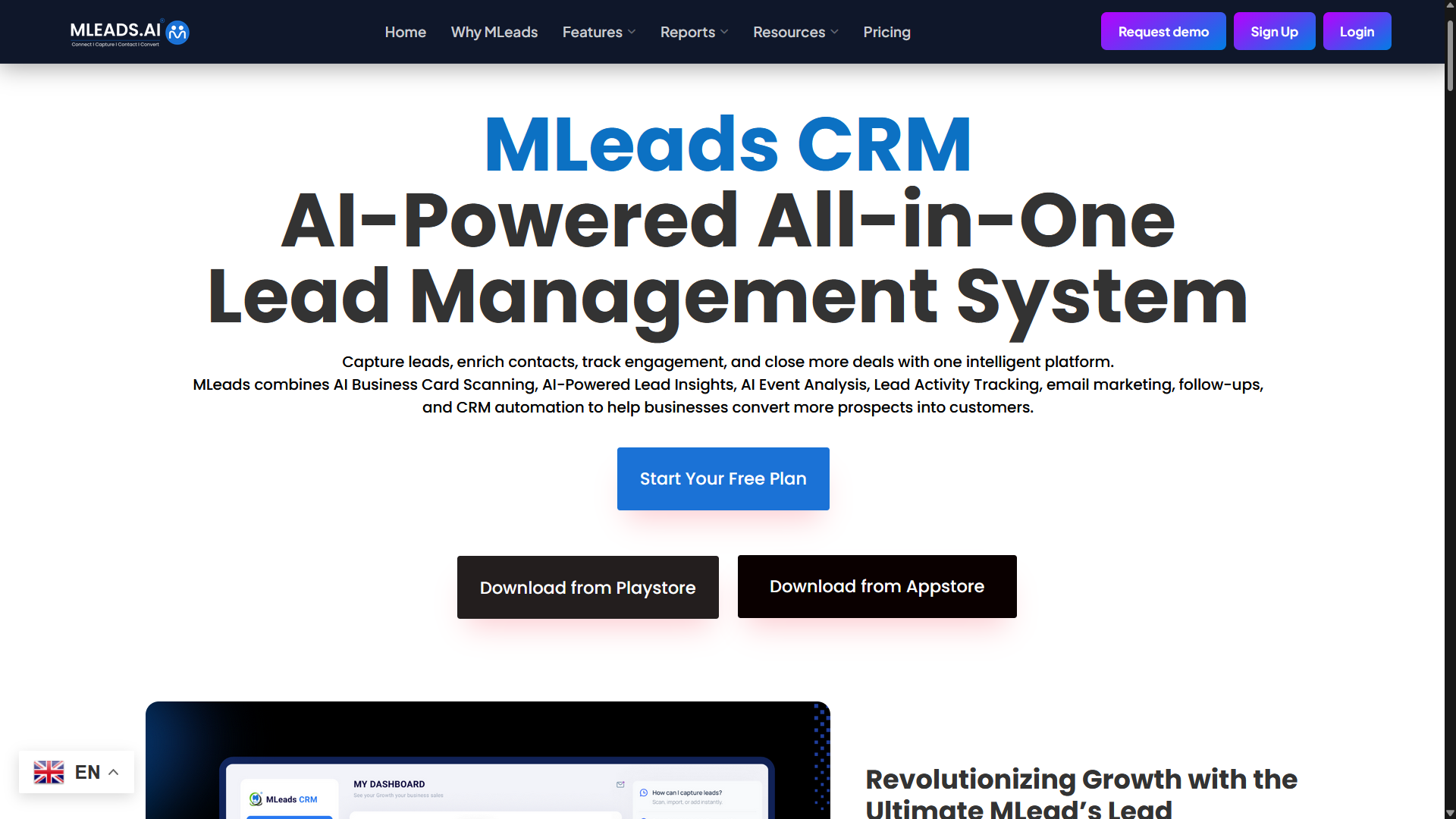
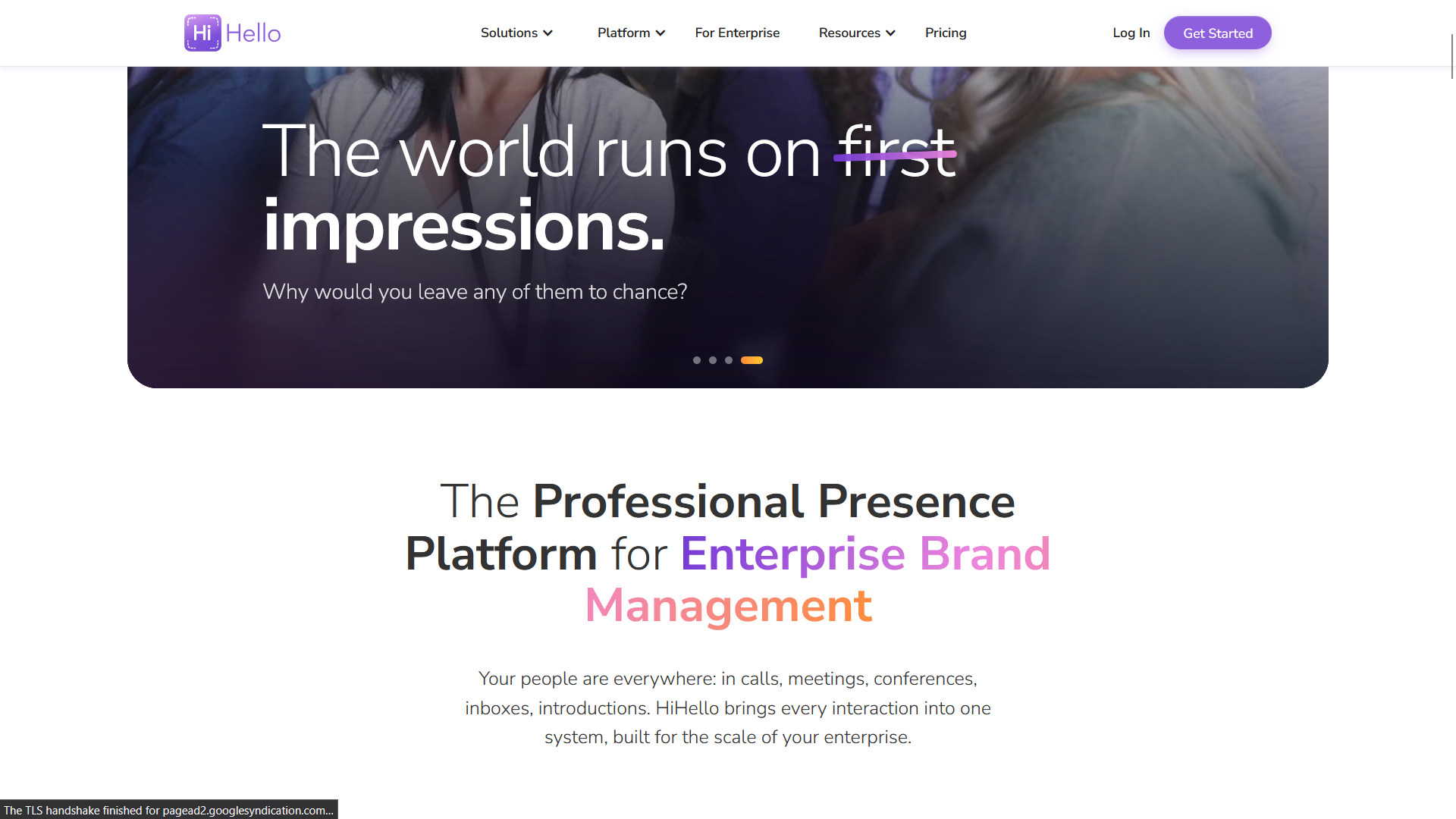
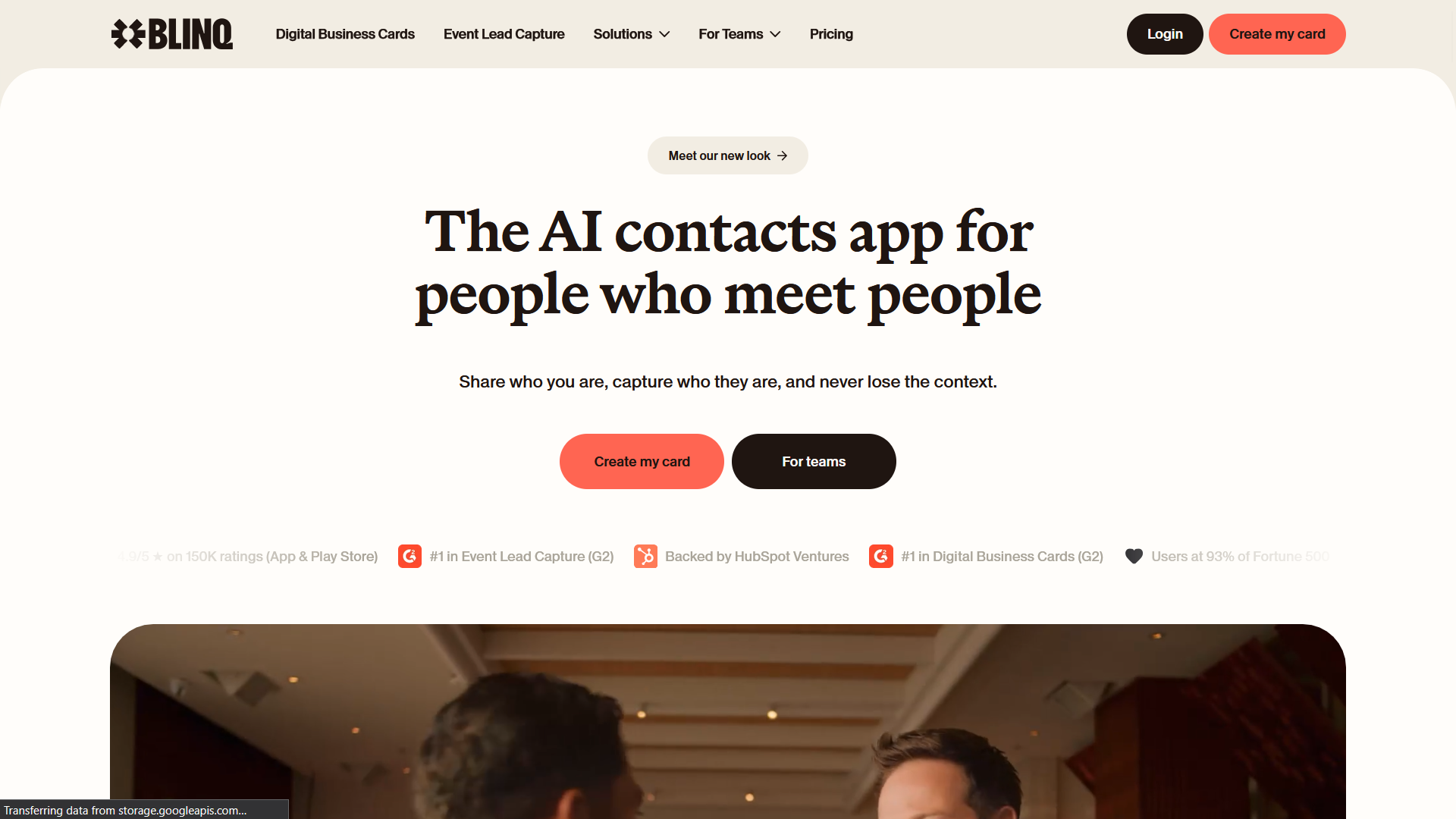
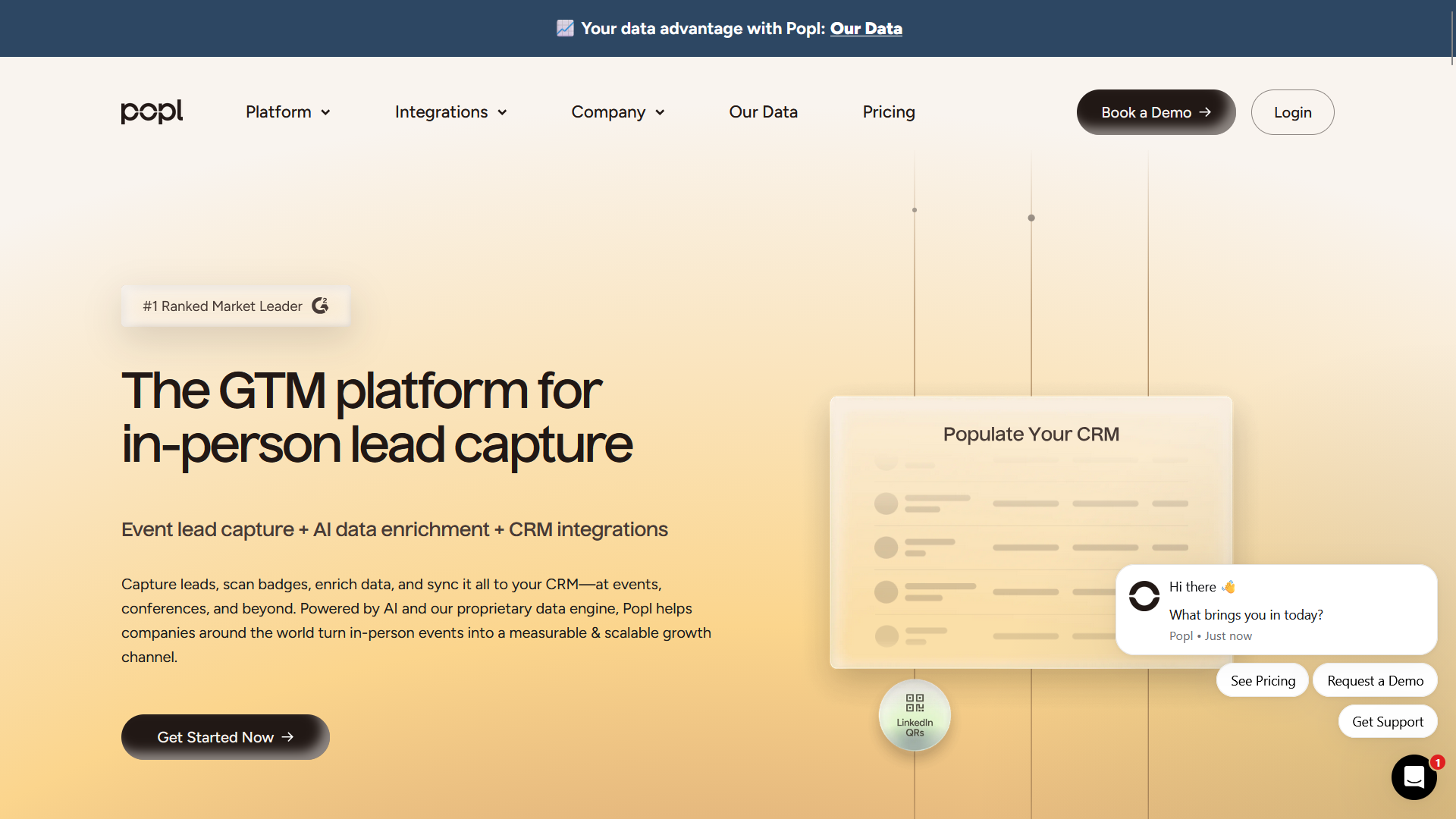
To save you the trial-and-error phase, here are some of the most popular, well-regarded apps with strong free options.
Practical Benefits of Going Digital
Switching from paper to a virtual alternative isn’t just keeping up with innovation — there are real strategic advantages that can change the way you do business.
1. Unmatched Convenience & Accessibility
How many times have you run out of cards at a major conference, or left your card case in your hotel room? Your digital card lives safely on your smartphone — and since we rarely leave home without our phones, you’re always ready to connect, whether you meet a possible investor at a coffee shop, on a flight, or in a casual chat.
2. Significant Cost Savings
Premium paper cards aren’t cheap. Businesses spend hundreds a year on cardstock, embossing, spot-UV treatments, and shipping. Worse, every promotion, extension change, or rebrand sends the whole batch to the recycling bin. With free digital apps, you never pay for printing, and updates are instant and free.
3. Eco-Friendly & Sustainable
📊 Studies show as many as 88% of business cards are thrown away within a week of being exchanged. Going digital cuts paper waste and signals that your brand cares about sustainable practices.
4. Unlimited, Media-Rich Content
A real card gives you about 3.5 × 2 inches. Cram a phone number, email, address, website, LinkedIn, and portfolio link onto that, and you get a crowded mess. A virtual card has no physical limits — build a clean layout that links out to an unlimited amount of content.
5. Better Follow-Ups, Less Data Entry
Paper cards force you to type details into your phone or CRM — slow and error-prone. Digital flips that friction around: scan a code and the profile is added to contacts instantly. Many free apps also offer a reciprocal contact-capture form, so you grab the recipient’s details on the spot.
How to Make a Digital Business Card That Stands Out
STEP 1
Pick Your Platform
Choose a free app from the list above that matches your preferred interface. Compare premium and free options on our MLeads Pricing Page.
STEP 2
Select a Professional Photo
Skip casual selfies. Use a clear, well-lit headshot with a clean, neutral background so you’re the focal point.
STEP 3
Complete Your Core Details
Add accurate contact info and a punchy title. Upload a clean, transparent PNG of your logo so it blends with the app’s backdrop colors.
STEP 4
Add Quality, Hand-Picked Links
Don’t spam every platform you’ve touched. Focus on the venues that showcase your value — website, LinkedIn, portfolio, scheduling. Creatives: Behance or Instagram. Coders: GitHub.
STEP 5
Test the Experience
Preview before any event. Send the link to a friend or scan your own QR with another device. Check different screen sizes, link click-throughs, and the “Add to Contacts” button.
Pro Tips for Using Free Apps Wisely
Prioritize web compatibility. The golden rule: recipients should never be forced to download an app to read your card. If an app requires that, drop it. Choose tools that give a standard web URL that looks perfect in Safari, Chrome, and Edge.
Discover the quick-share workflow. In a fast-paced event you don’t want to fumble for an app icon:
- Widget integration: add your QR code to your home or lock screen.
- Apple/Google Wallet: store your card alongside your credit cards.
- Photos app: screenshot the QR code into a “Favorites” album for quick access.
Maintain a consistent visual brand. Treat your card as an extension of your website. Match the color theme to your logo or portfolio for an instant impression of authenticity.
Watch your privacy settings. Since cards are shared via public links, think about what you share. Working from home? List a broad city/state instead of a real address, and consider a business line over a personal one.
Busting Common Myths
❌ Myth 1: “Older clients won’t know how to use it.”
After QR codes exploded in restaurants, airports, and retail, almost anyone with a smartphone knows how to point their camera at a code. No tech skill is required from the recipient.
❌ Myth 2: “Digital can’t match the personal touch of premium paper.”
Paper has a tactile appeal, but it’s static. A digital card trades feel for interactive involvement — an embedded welcome video, instant links to your latest work, or a classy, premium-looking design.
❌ Myth 3: “Free apps will spam my contacts with ads.”
Trusted apps don’t sell your contacts’ data or plaster your profile with banner ads. Free tiers typically include only a small, unobtrusive attribution line at the bottom of the card.
Step Into the Future of Networking
Networking is about making it as easy as possible for the right people to find you, remember you, and reach out. Paper cards are charming but cause friction in our digital workflows — expensive to print, impossible to update without a reprint, and often forgotten in drawers.
Going digital eliminates these inefficiencies overnight. It saves money, saves trees, and ensures you never run out of cards when you meet a major contact. Best of all, you don’t need to be a tech wizard or spend a dime to get started.
Ready to turn handshakes into lasting partnerships?
Create your card, organize your contacts, and grow your business — try features like custom templates and powerful lead capture today.